pagination
To ensure a smooth user experience and avoid overloading the system, it's best to limit the amount of scrolling required on pages. One way to do this is by dividing content into manageable chunks, such as displaying up to 10 items or columns per page. If additional content is available, pagination can be used to navigate to subsequent pages.
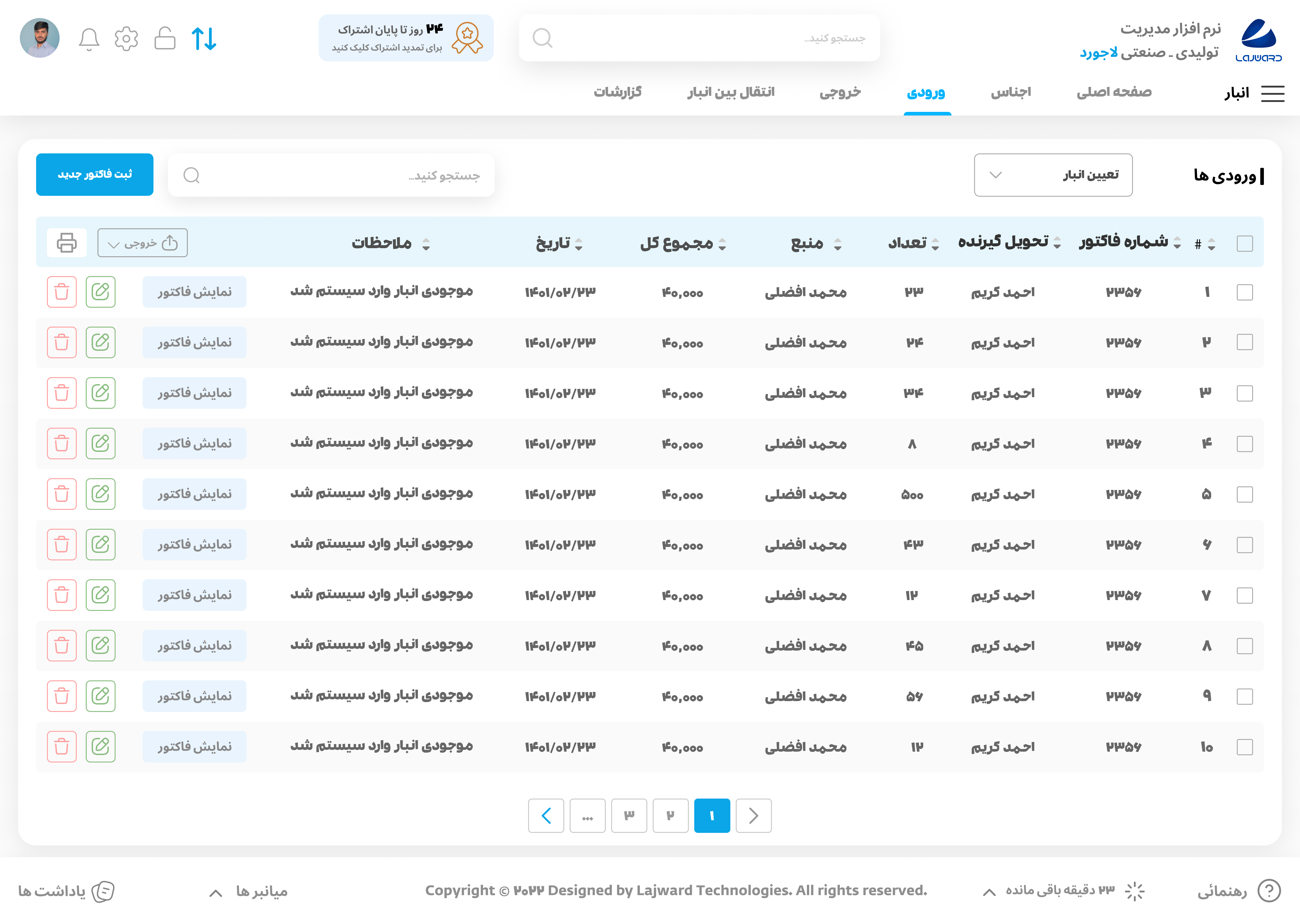
When implementing pagination, it's important to place it prominently on the page, such as in the center, to make it easily visible to users. If there are more than three pages, it's recommended to use an ellipsis (...) to indicate additional pages and prevent the pagination from becoming too large. To navigate to the next page, users can simply click on the corresponding icon.

By following these guidelines, you can help ensure that users can easily navigate and find the content they need on our website or application without becoming overwhelmed or frustrated.