Shadow
why Shadows?
for several reasons:
Visual Hierarchy: Shadows can be used to create a visual hierarchy, where elements with shadows appear to be closer to the foreground than those without. This can help users understand the relationships between different elements in the system and navigate it more easily.
Depth and Realism: Shadows can also be used to add depth and realism to the system, making it feel more like a physical object or space. This can create a more immersive and engaging user experience.
Contrast and Legibility: Shadows can help create contrast between elements, making it easier for users to distinguish between different parts of the system. This can improve legibility and reduce visual clutter.
Branding and Aesthetics: Shadows can be used as part of a system's visual branding and aesthetics, helping to create a consistent and cohesive look and feel across different elements of the system.
Overall, the use of shadows in our system can enhance its visual design, improve usability, and create a more engaging and immersive user experience.
How to use:
In our system, we understand the importance of creating a visually appealing user interface that not only attracts our audience but also enhances their overall experience. To achieve this, we have carefully integrated two types of soft and elegant shadows into our system's design.
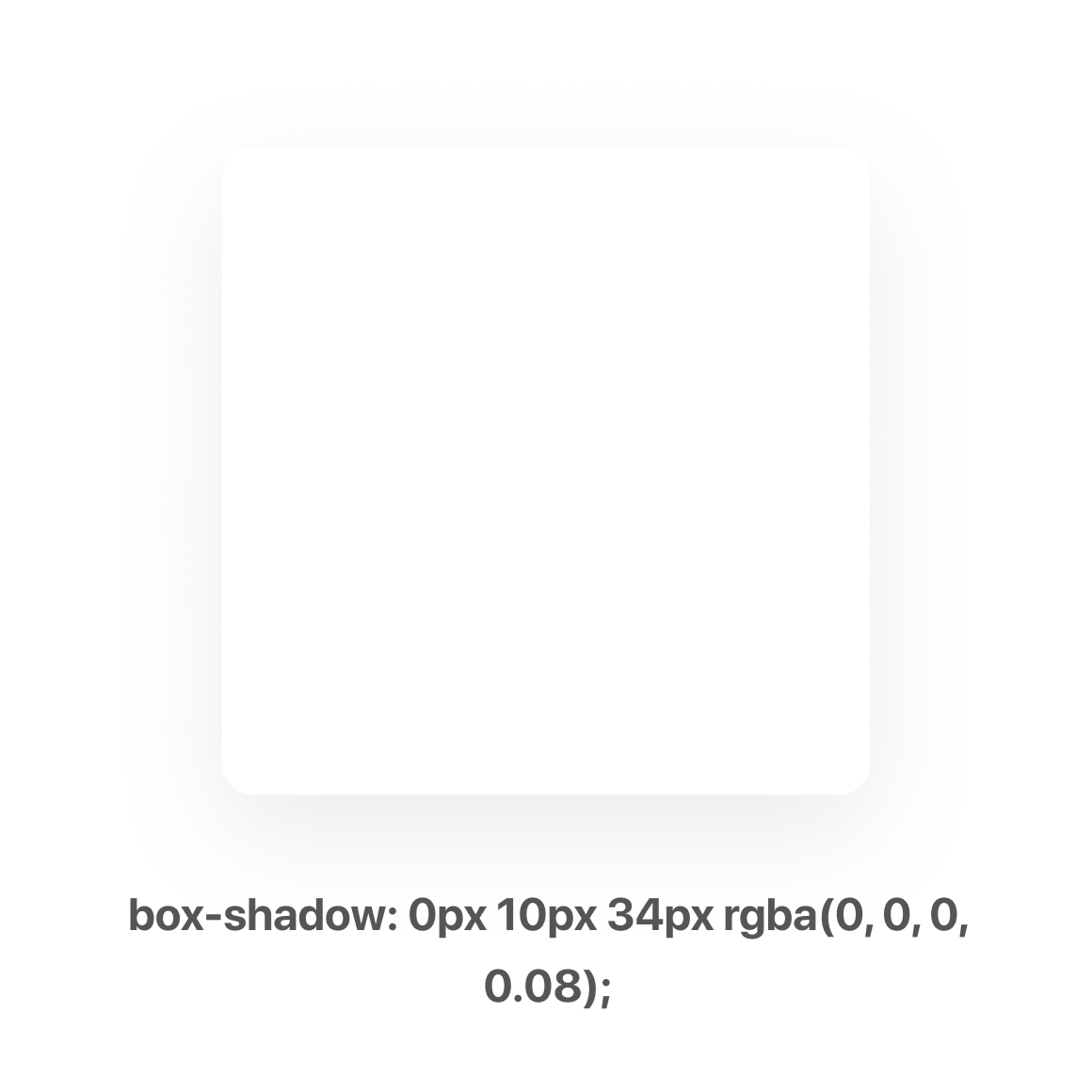
- The first type of shadow is created using the following specifications: box-shadow: 0px 10px 34px rgba(0, 0 , 0, 0.1). This type of shadow adds a subtle but noticeable depth to the elements in the system, creating a beautiful and engaging visual experience for our users.
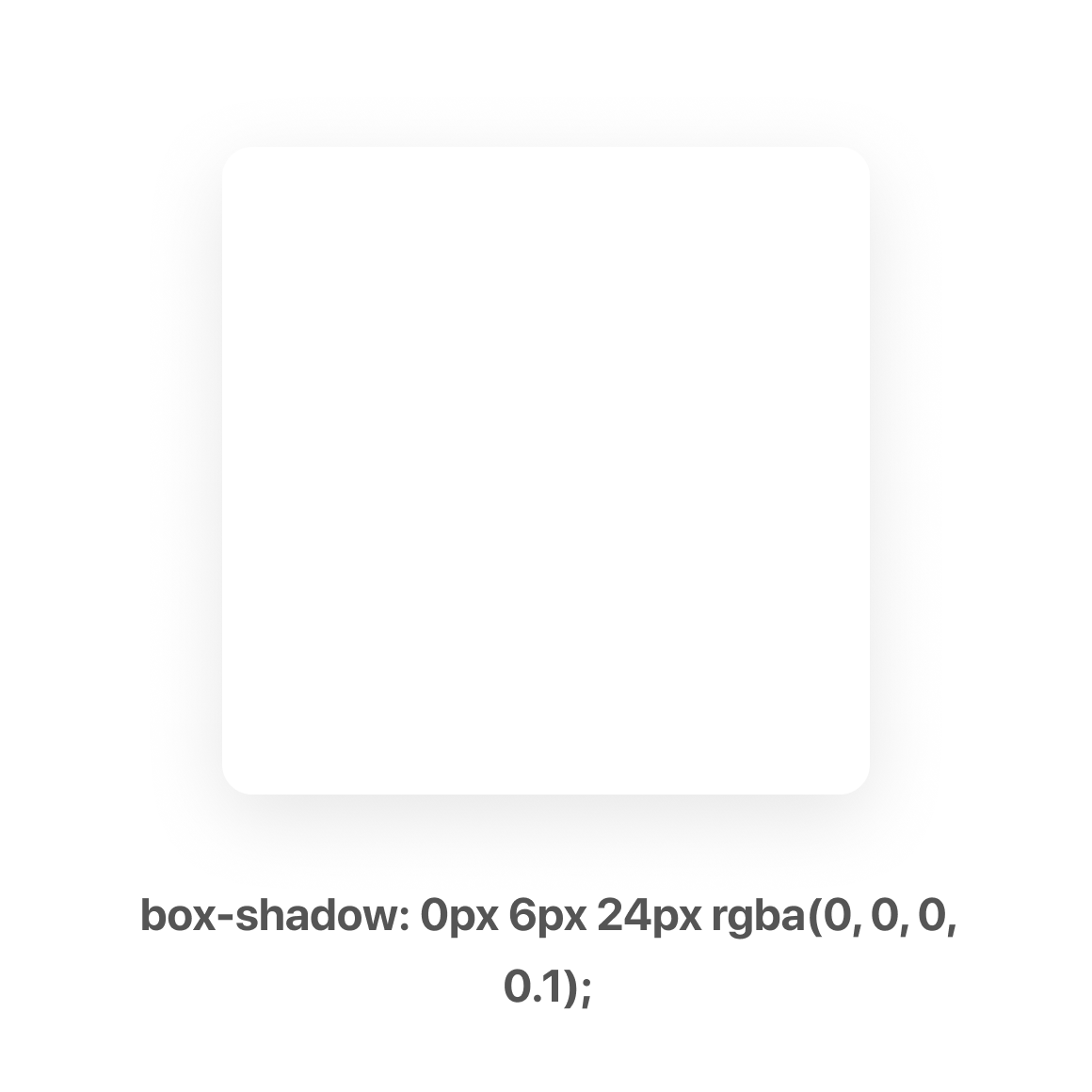
- The second type of shadow is relatively milder than the first one, yet still adds a touch of elegance to the system's design. This shadow is created using the following specifications: box-shadow: 0px 6px 24px rgba(0, 0, 0, 0.1). Together, these two types of shadows bring depth and dimensionality to the elements in our system, making it not only visually appealing but also easier to navigate and understand.
It's worth noting that we do not use shadows when the background is gray, as it can detract from the overall appeal of the design. By carefully choosing when and how to use shadows in our system's design, we've created a user interface that is both beautiful and functional.