Alerts
In order to prevent critical user errors that could result in the loss of important data, it is recommended to use alerts in open places where these actions are taken, such as when deleting a product from the system or deleting an invoice. These alerts should serve as a warning to the user that they are about to perform an irreversible action, and provide an opportunity for the user to confirm their intent before proceeding.
To implement an alert, a pop-up should appear after the user clicks on the delete button, containing a warning icon displayed within a red box, along with a message indicating the severity of the action about to be taken. Additionally, the pop-up should offer two buttons for the user to choose from: cancel and confirm, allowing the user to either abort the action or proceed with caution and and the size of this card it should be 500 pixels width and 340 pixels high.
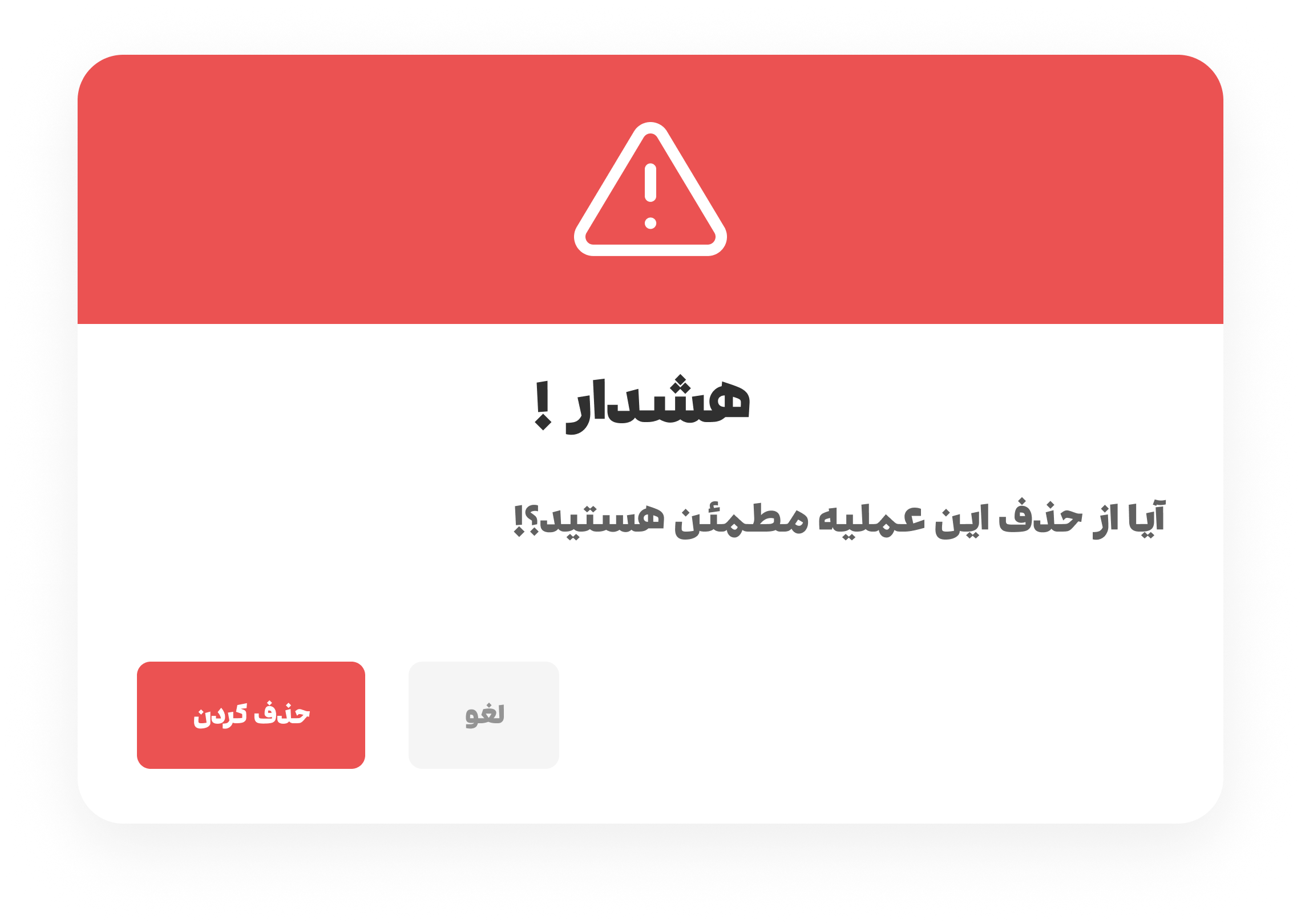
By incorporating these alerts into the user interface, we can help prevent unintentional errors and protect important data from being lost.