Image Slider
Our system is designed to give users a wide range of image options, making it easy for them to select or upload the perfect image. To achieve this, we have implemented a slider feature for displaying multiple images. This not only enhances the overall look and feel of the UI design, but also offers practical benefits by providing users with a convenient way to browse through their options.
Users are allowed to have up to 5 images, with the slide placed on the right-hand side of the main image. Each image is displayed with a stroke of 50px, except for the selected image which is highlighted with a size of 60px by 60px to distinguish it from the others. It is important to note that the main image does not have a stroke, ensuring that it remains the focal point of the display. be caurfull that Images silder are usually placed on the left side of the page.
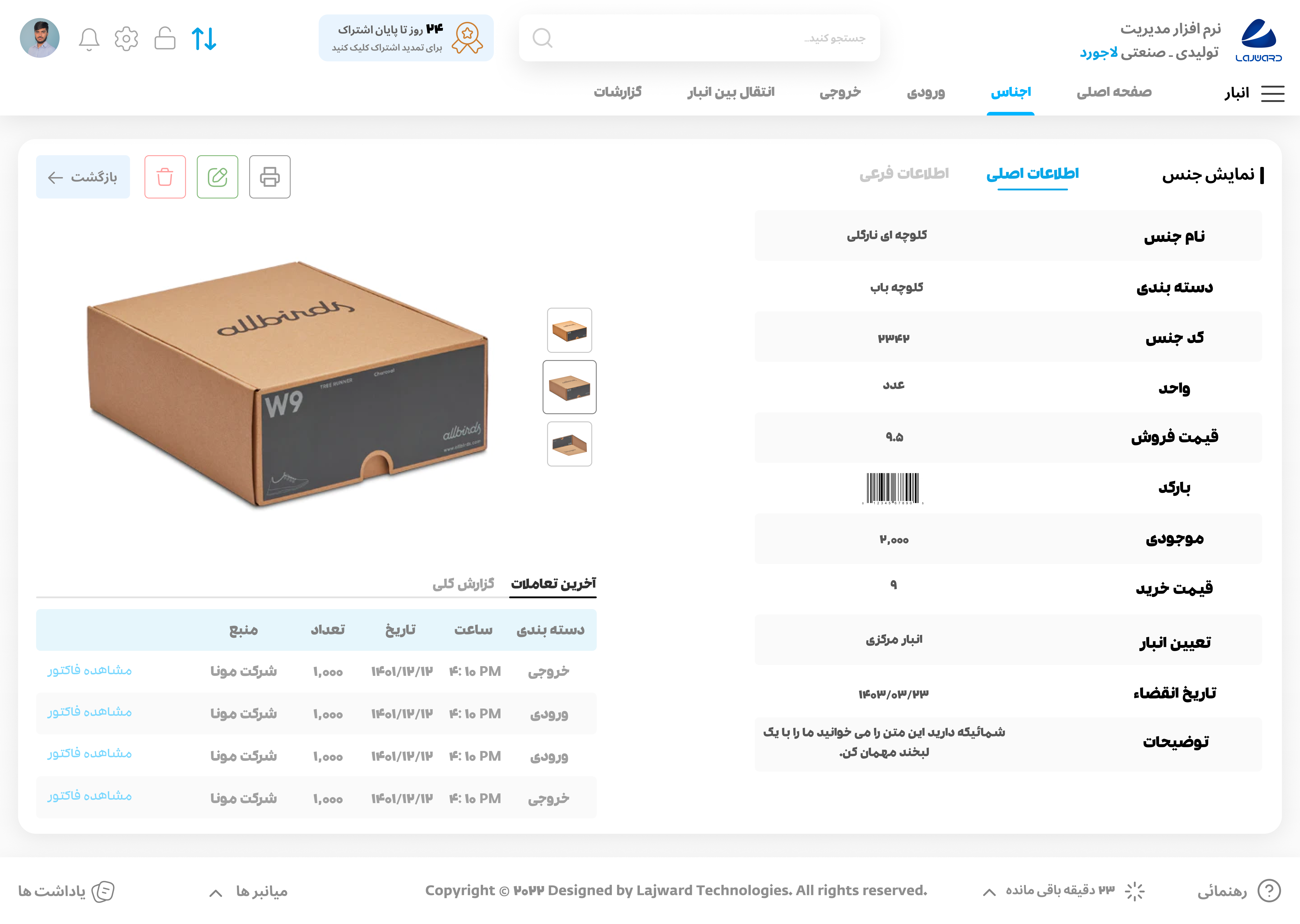
With our image slider feature, users can easily explore and select the image that best fits their needs, making the image selection process both enjoyable and efficient.